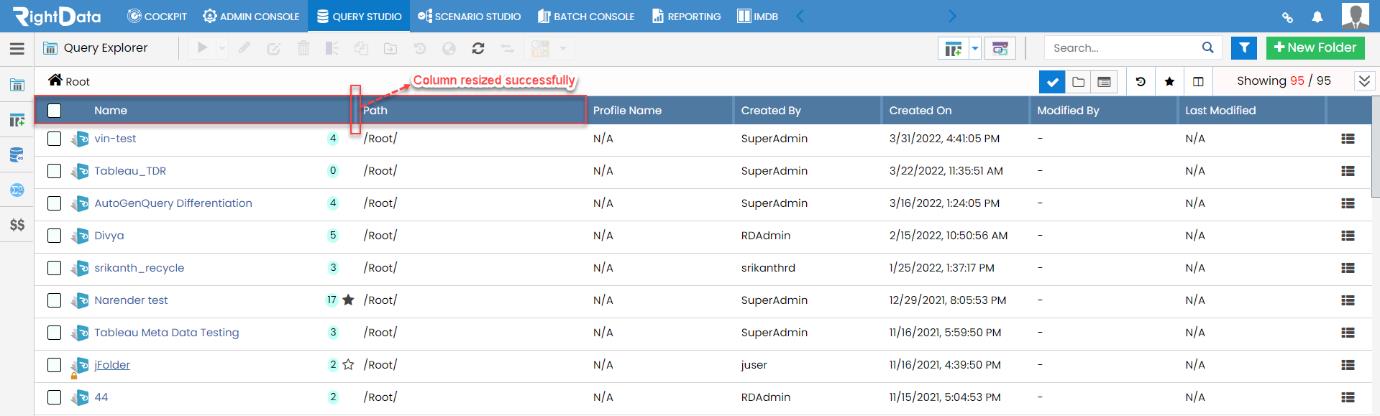
The fixed columns in all the individual explorer grids (Query, Scenario, and Job) can now be dragged or resized based on the user requirement.
To learn more, let us walk through the below procedure:
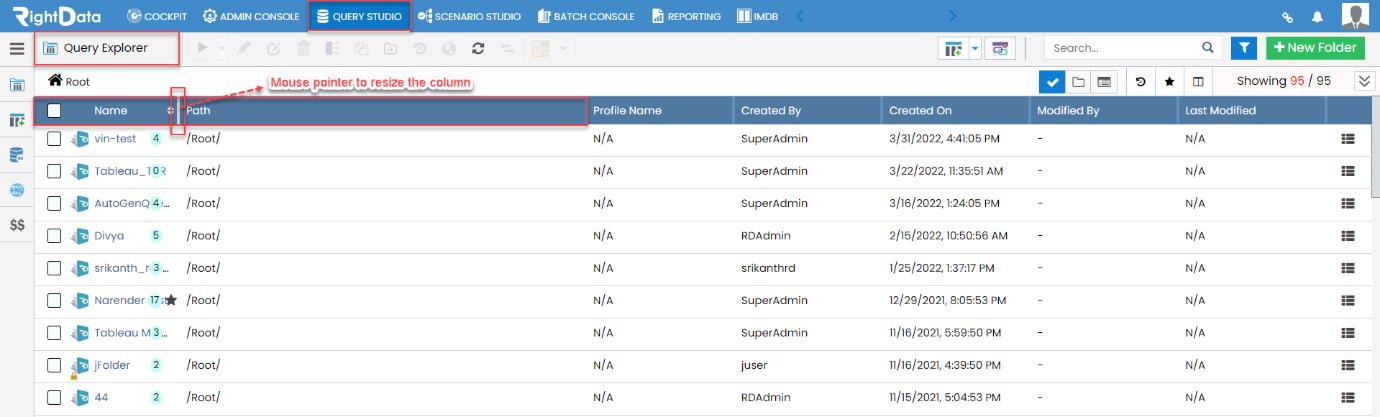
- Click the ‘QUERY STUDIO’ module.
- The user is navigated to the ‘Query Explorer’ session page.
- Let’s drag the ‘Name’ column to increase its size.
Note: Here, the ‘Name’ and ‘Path’ columns are merged in such a way that the content in the ‘Name’ column is unable to distinguish easily by the user.
Note: The user can also drag/resize other columns available in the grid.
- This action resized the column successfully.
Note: In a similar way, the user can also resize the grid columns with respect to other explorers (Scenario and Job).