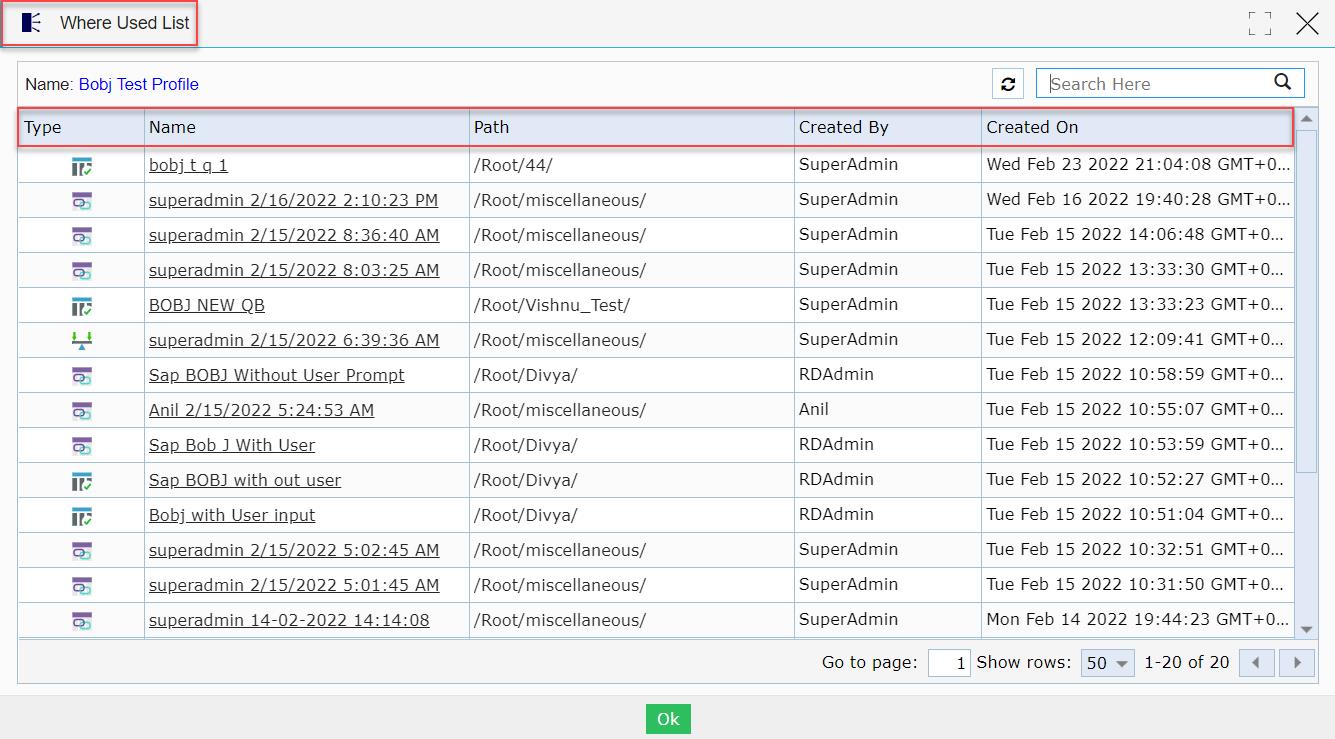
Now users can see a tabular grid pattern instead of the tabs view for the Where Used List option that contains different columns such as Type, Name, Path, Created By, and Created On.
To learn more, let us walk through the below procedure:
- Click the ‘ADMIN CONSOLE’ module.
- The user is navigated to the ‘Profiles’ session page.
- Let’s select and checkbox a profile named ‘Bobj Test Profile’.
- Click the ‘Where Used List’ button.

- A ‘Where Used List’ pop-up window is displayed.
- The user can view a tabular grid with different columns such as Type, Name, Path, Created By, and Created On.
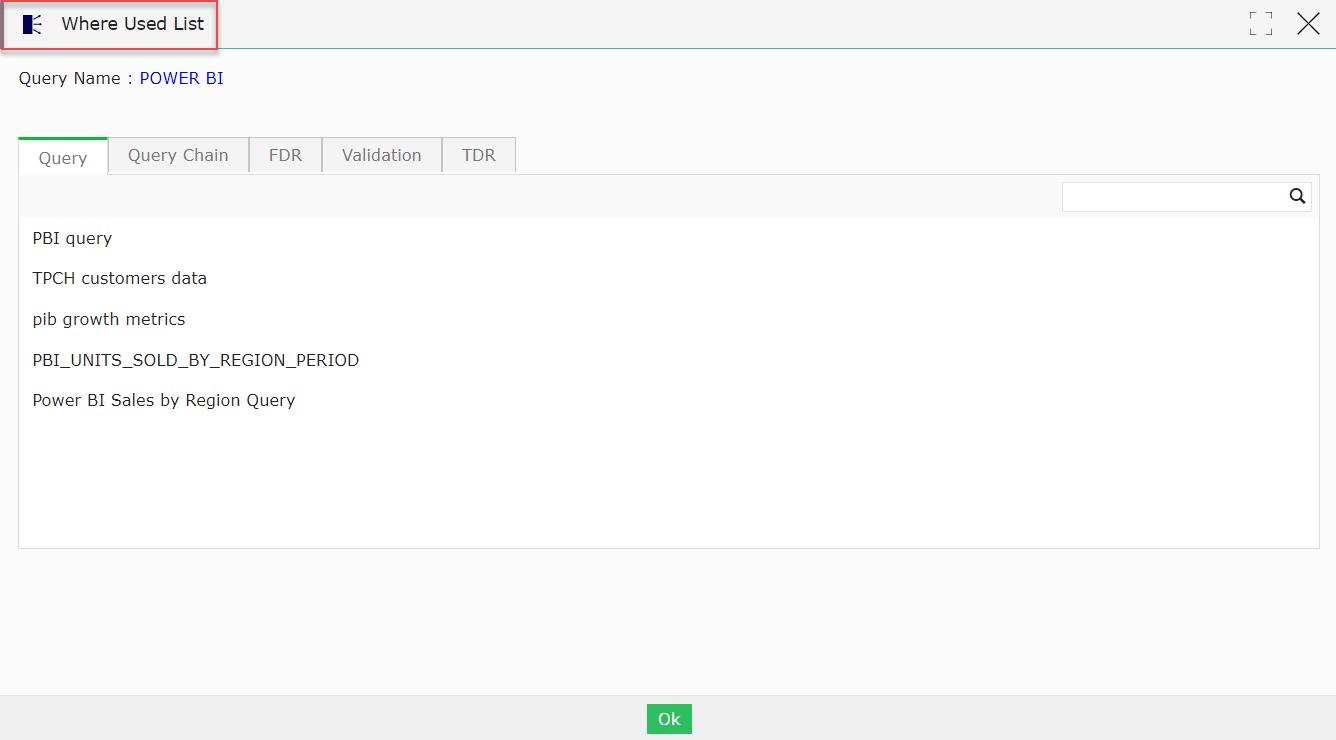
Previous build UI view for Where Used List option