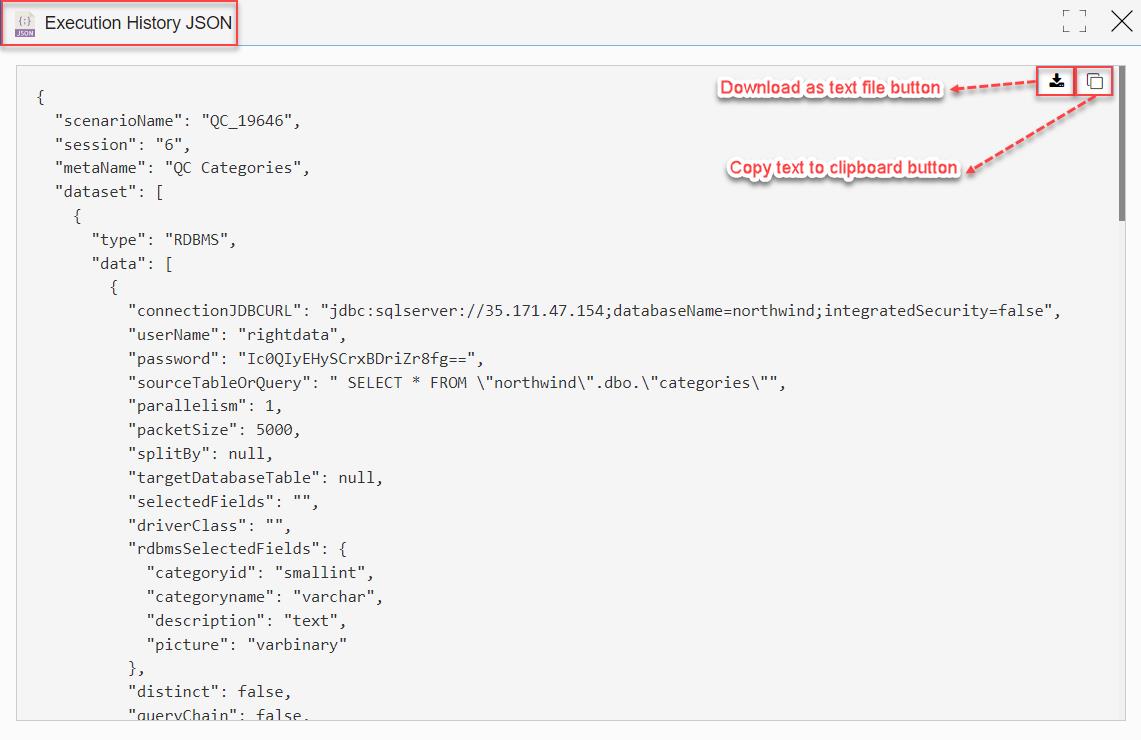
If the user loads any session from the ‘Execution History’, then that particular session’s ‘Execution History JSON’ is enabled and is only visible to an Admin pro-user and is disabled for Display (power) and Non-Admin users. This enhancement is included in all Query Chains, Scenarios, and Jobs.
To learn more, let us walk through the below procedure:
- Click the ‘QUERY STUDIO’ module.
- The user is navigated to the ‘Query Explorer’ session page.
Note: The logged-in user is an Admin pro-user here.
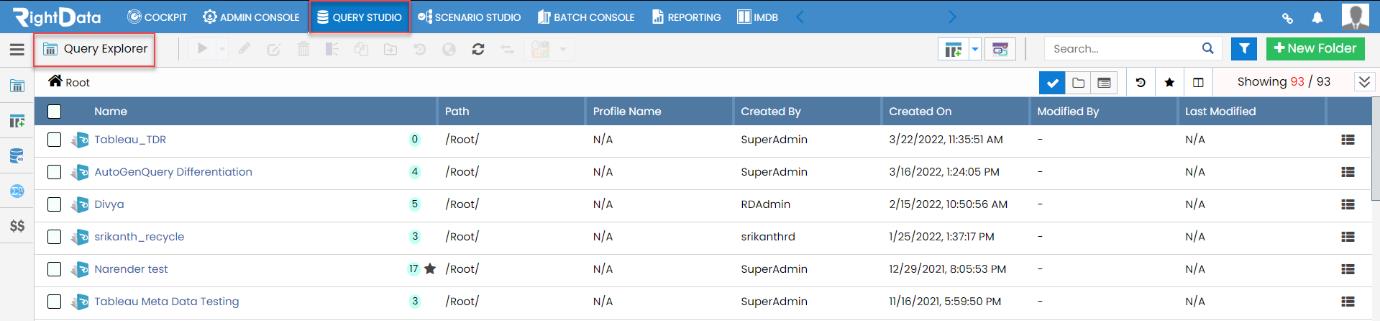
- Let’s suppose select the ‘QC Categories’ Query Chain.

- Checkbox the ‘QC Categories’ Query Chain.
- Click the ‘Edit’ button.

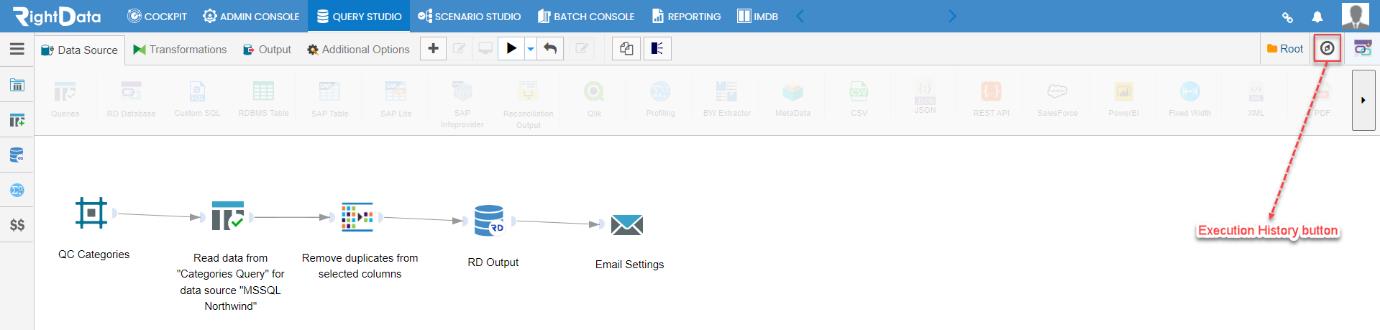
- The user is navigated to the ‘QC Categories’ Query Chain in create and edit mode.
- Let’s click the ‘Execution History’ button.
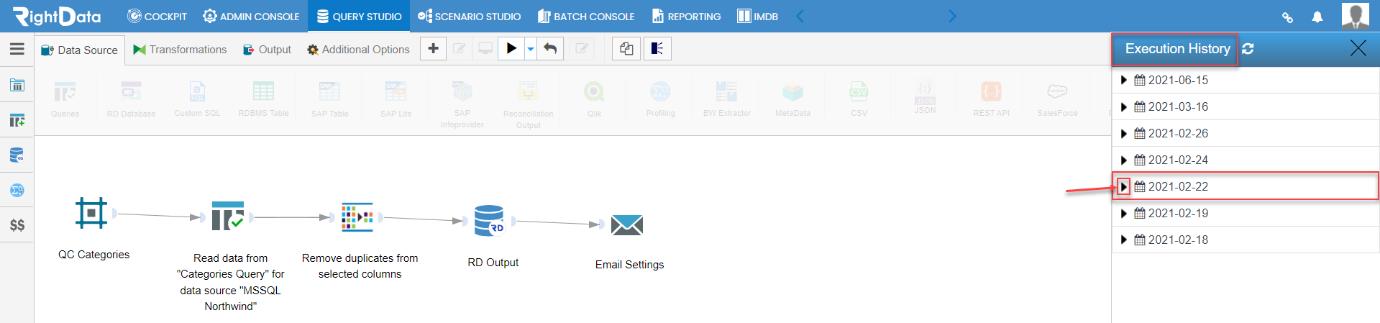
- An ‘Execution History’ slide screen window is displayed.
- Let’s click the 2021-02-22 dated arrow button.
- Let’s try to retrieve the session timed 11:19:39.
- Click the session timed 11:19:39.
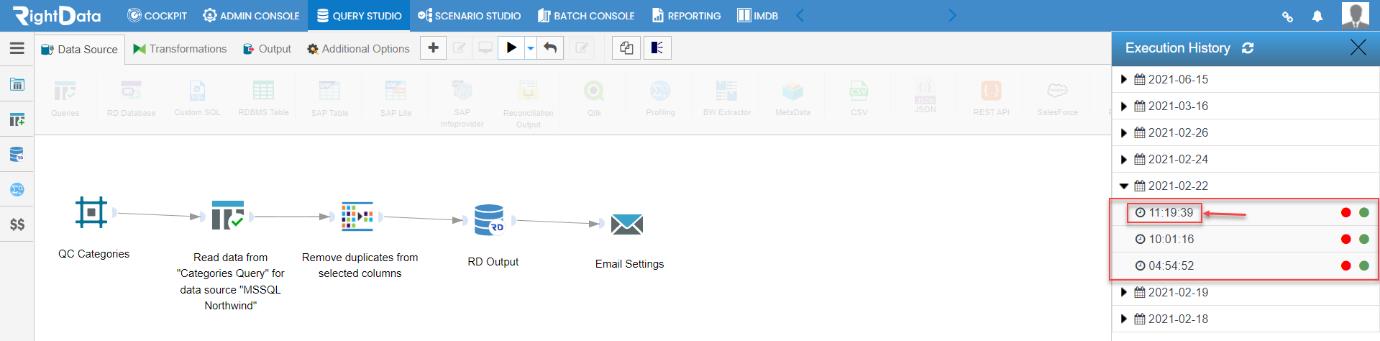
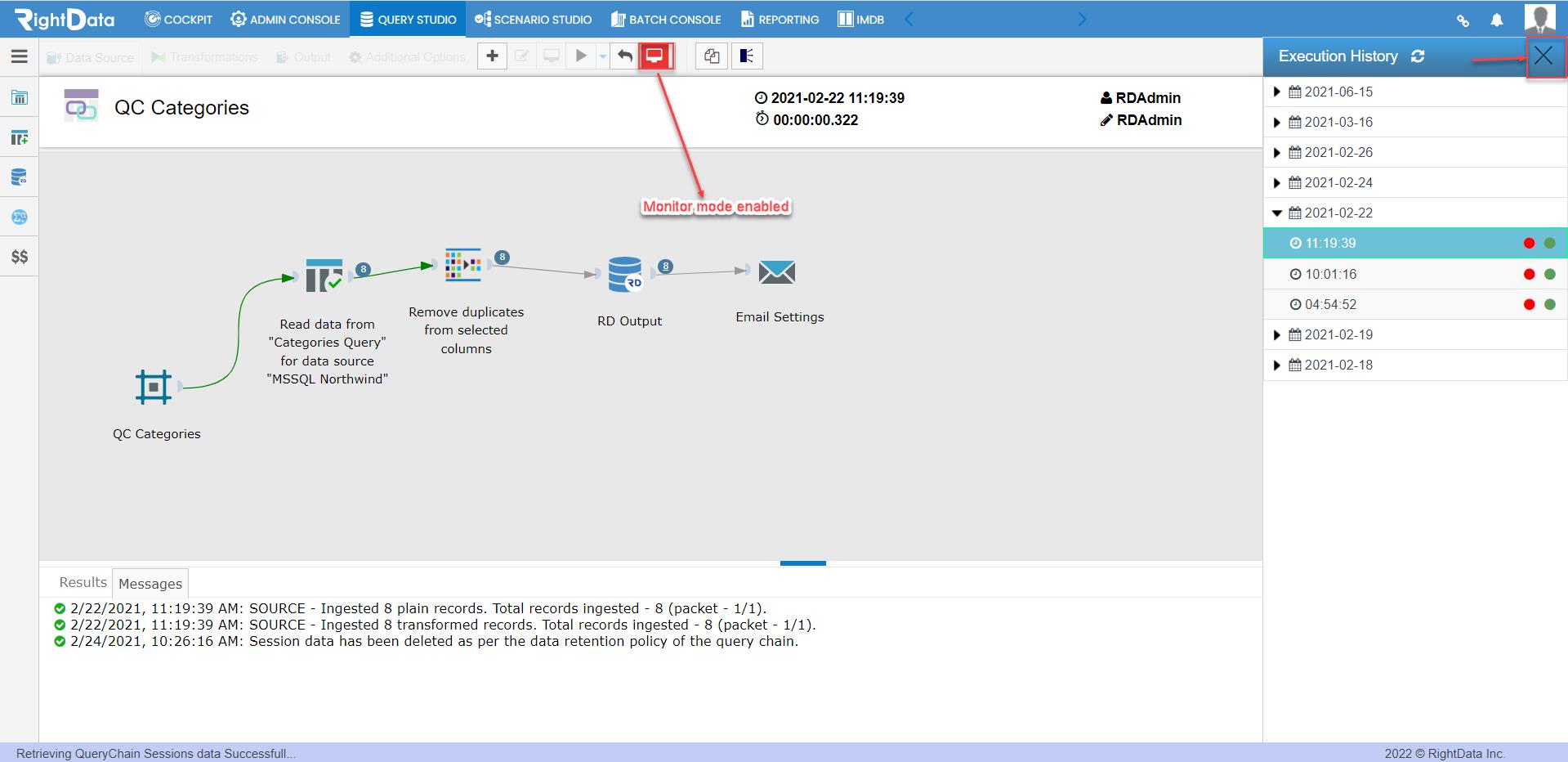
- A monitor mode is enabled.
- Retrieving QueryChain session data is successful.
- Click the ‘X’ button to close the ‘Execution History’ slide window.
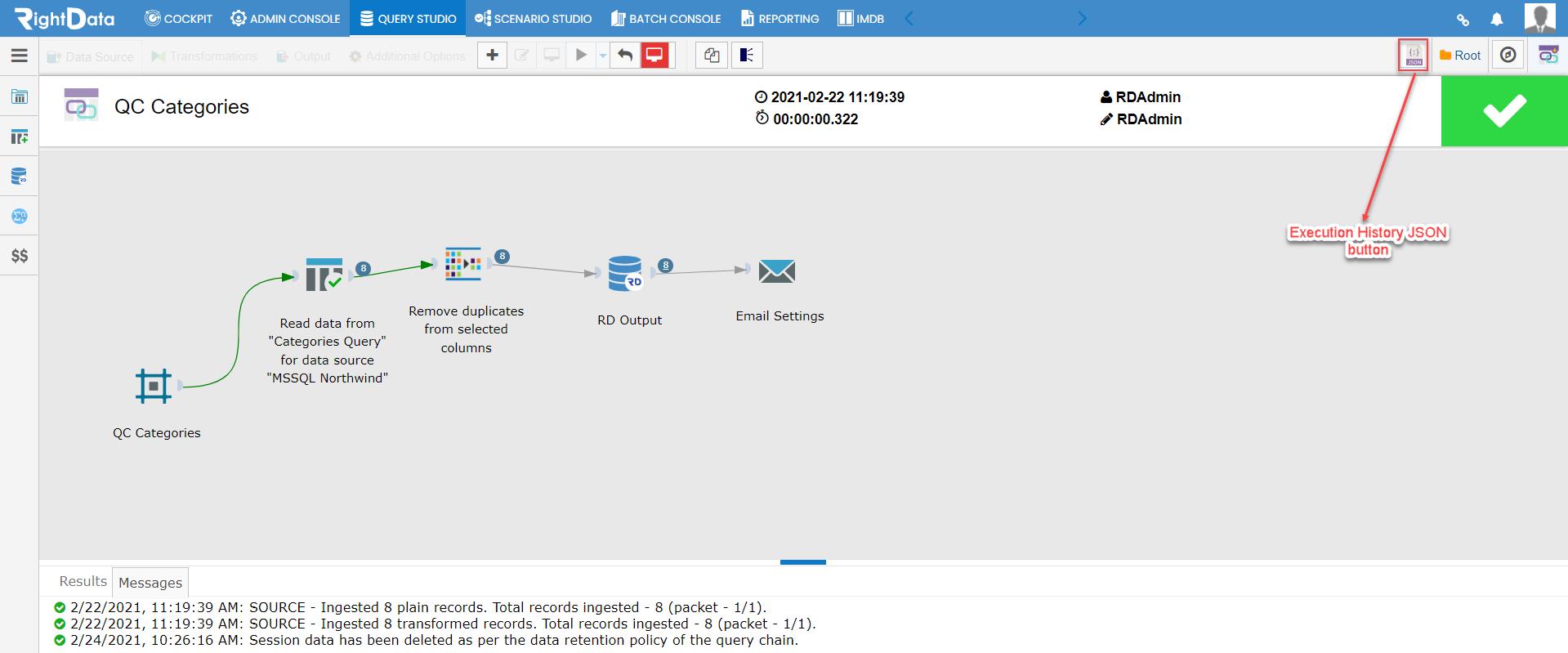
- An ‘Execution History JSON’ icon is enabled.
Note: Only Admin pro-users can see the ‘Execution History JSON’ icon.
- Click the ‘Execution History JSON’.
- An ‘Execution History JSON’ pop-up window is displayed.
- Two-button options such as ‘Download as text file’ and ‘Copy text to clipboard’ are displayed.