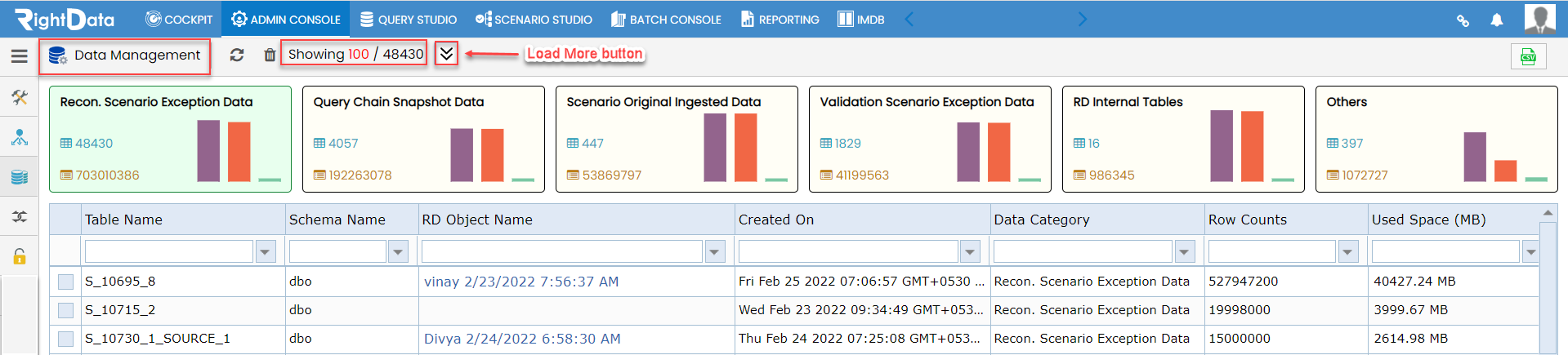
A ‘Load More button’ is added in the ‘Data Management’ session within Admin console under Security option. With this enhancement, users can now load the page and find the desired data execution results accordingly.
To learn more, let us walk through the below procedure:
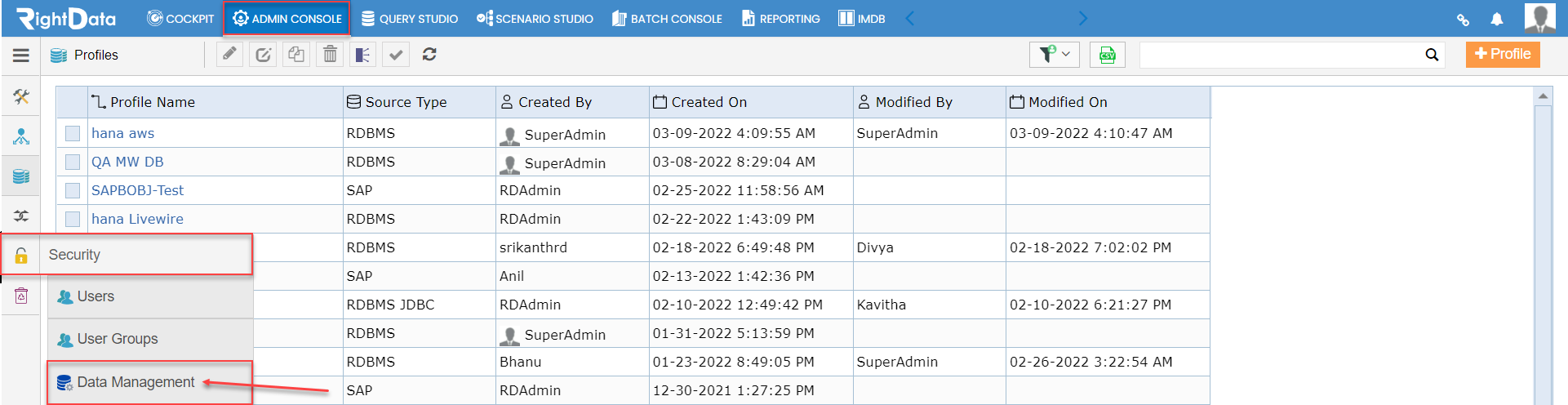
- Click the 'ADMIN CONSOLE’ module.
- Hover on the ‘Security’ snippet from the left pane options.
- Click the ‘Data Management’ option.
Path: ADMIN CONSOLE > Security > Data Management
- The user is navigated to the ‘Data Management’ session page.
- A text ‘Showing 100/48430’ is displayed right to ‘Load More’ button.
- Now, let’s click the ‘Load More’ button.
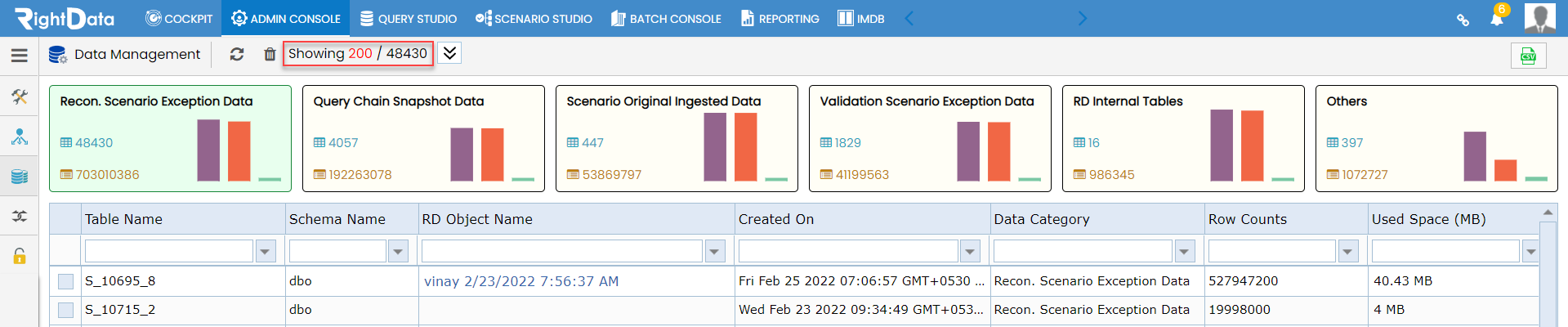
- The text ‘Showing 100/48430’ is changed to ‘Showing 200/48430’ which indicates the page is loaded with additional data.