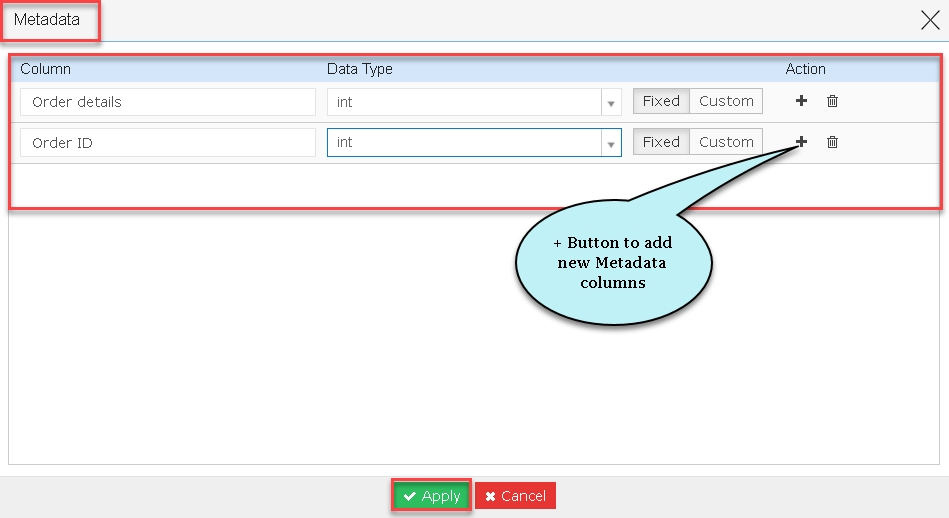
Users can save a Query prior to execution. Sometimes, users wish to avoid few Query executions that might consume a lot of time to perform the execution. In this condition, users can just save the Query without executing but ensure to input an already known metadata in order to save this query.
To learn more, let us walk through the below procedure:
- Click the ‘QUERY STUDIO’ module.
- Hover on the ‘Query Builder’ snippet.
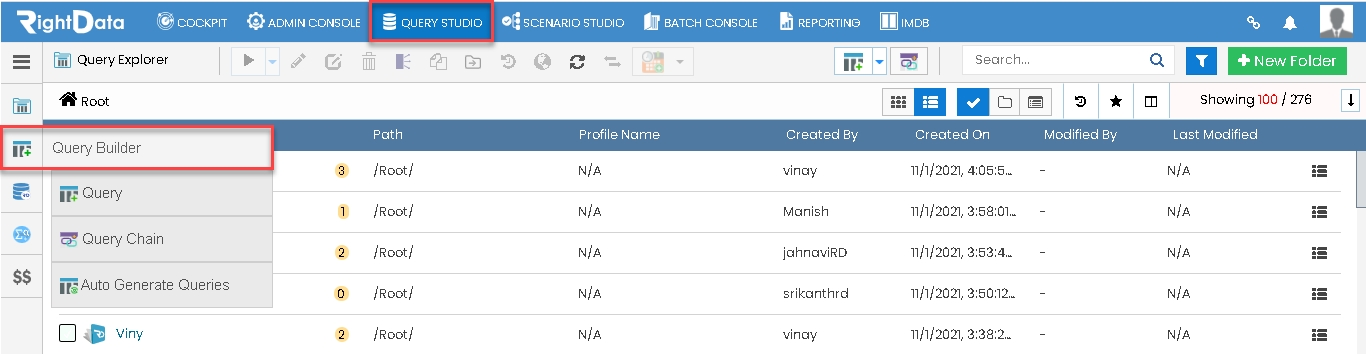
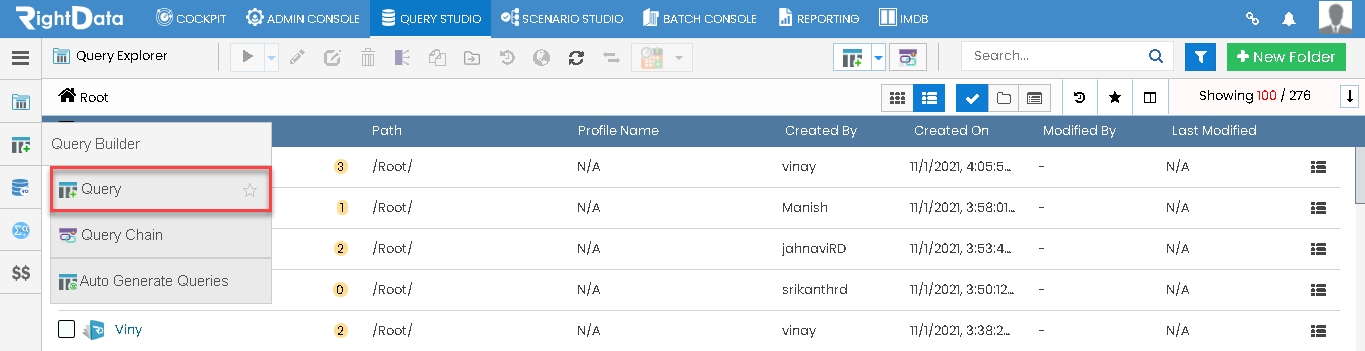
- Select and click the ‘Query’ option.
Path: QUERY STUDIO > Query Builder > Query
- The user is navigated to the ‘Query’ session page.
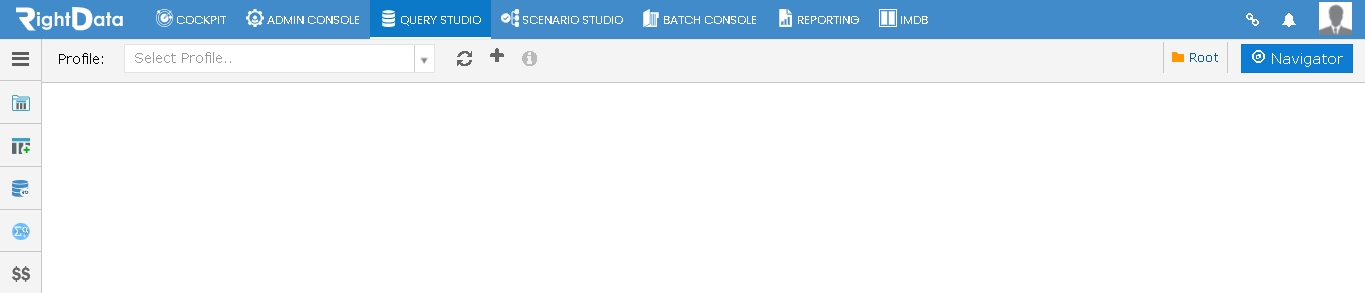
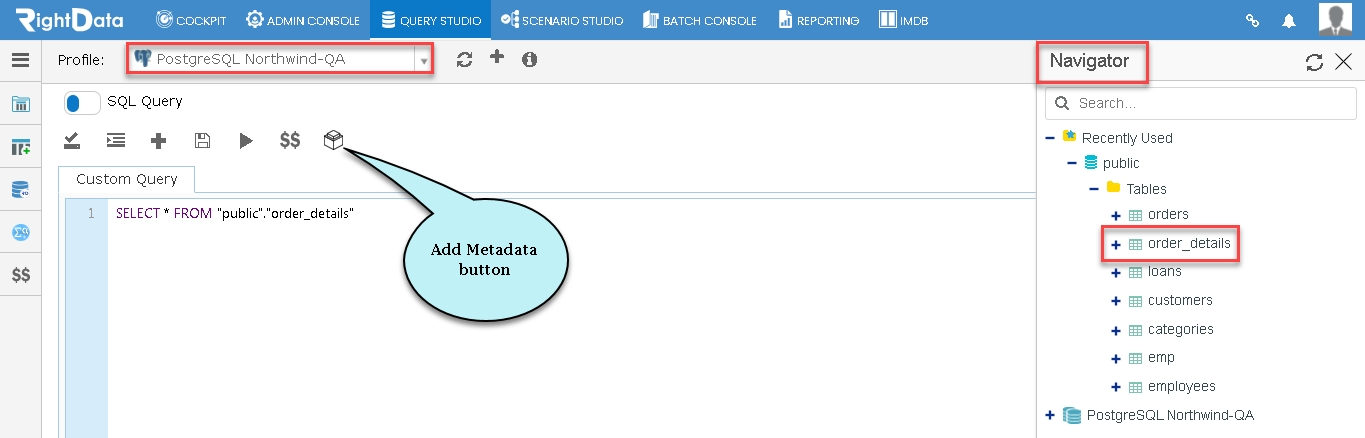
- Let’s select a profile ‘postgreSQL Northwind-QA’ from the dropdown list.
- Select and click the ‘order_details’ from the Navigator.
- Click the ‘Add Metadata’ button.
- A ‘Metadata’ pop-up window is displayed.
- The user can add the know metadata as shown below.
- Click the ‘Apply’ button to save the query without executing it.