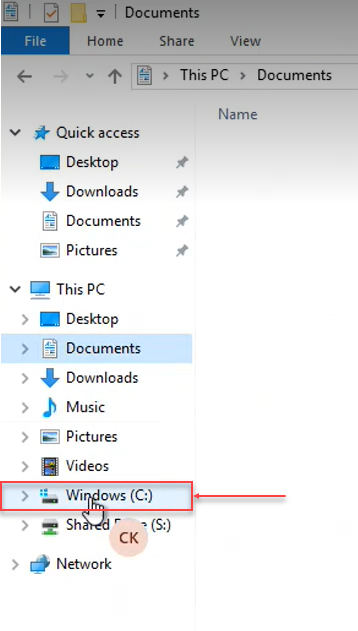
- Click on Windows (C:)
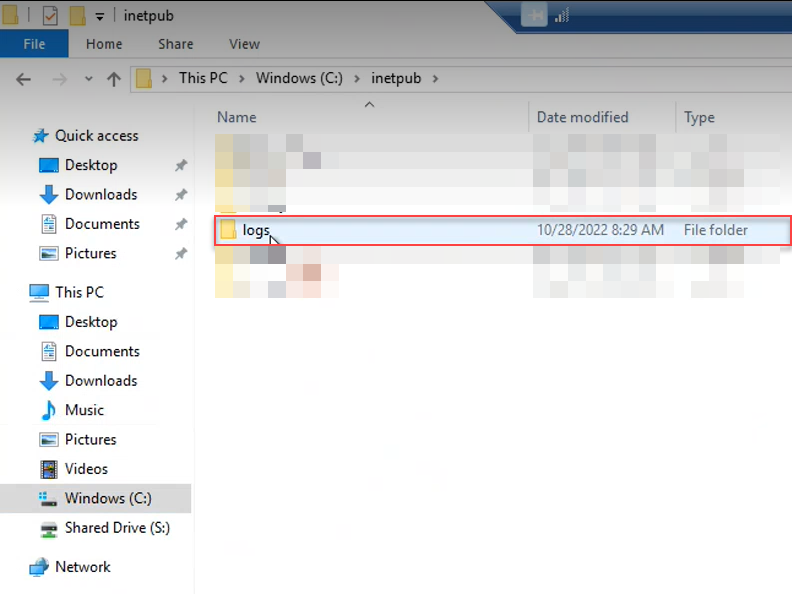
- Click on inetpub.

- From the inetpub folder, click on logs.
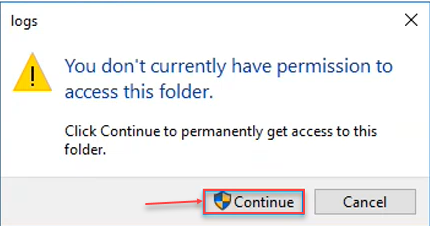
- A logs pop-up window is displayed.
- Click on Continue button.
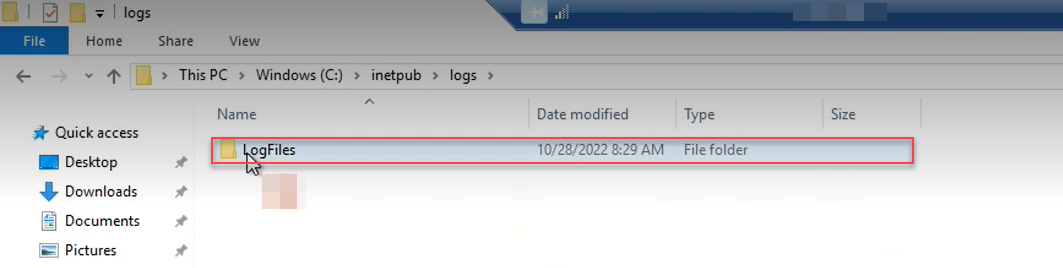
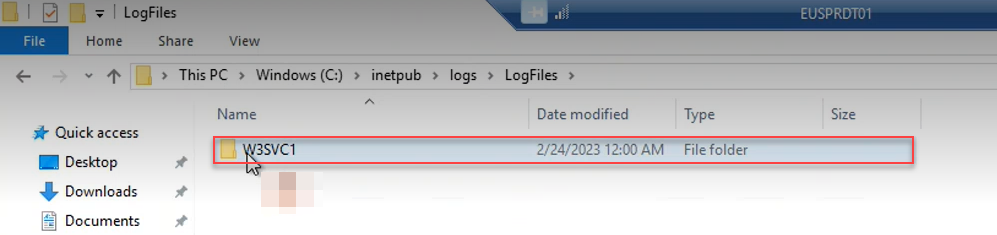
- A LogFiles folder is displayed.
- Click on LogFiles.
- A W3SVC1 folder is displayed. Click on it.
- A W3SVC1 pop-up window is displayed and click on Continue.
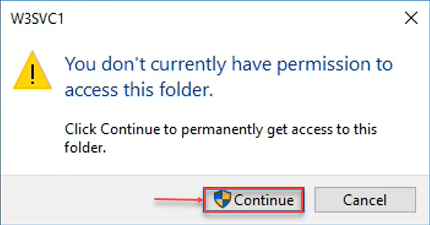
- This action opens all the logs generated using IIS server.
Path: This PC > Windows (C:) > inetpub > logs > LogFiles > WSSVC1
Note: We can also delete these log files as they don’t have any significance with respect to DataTrust application.