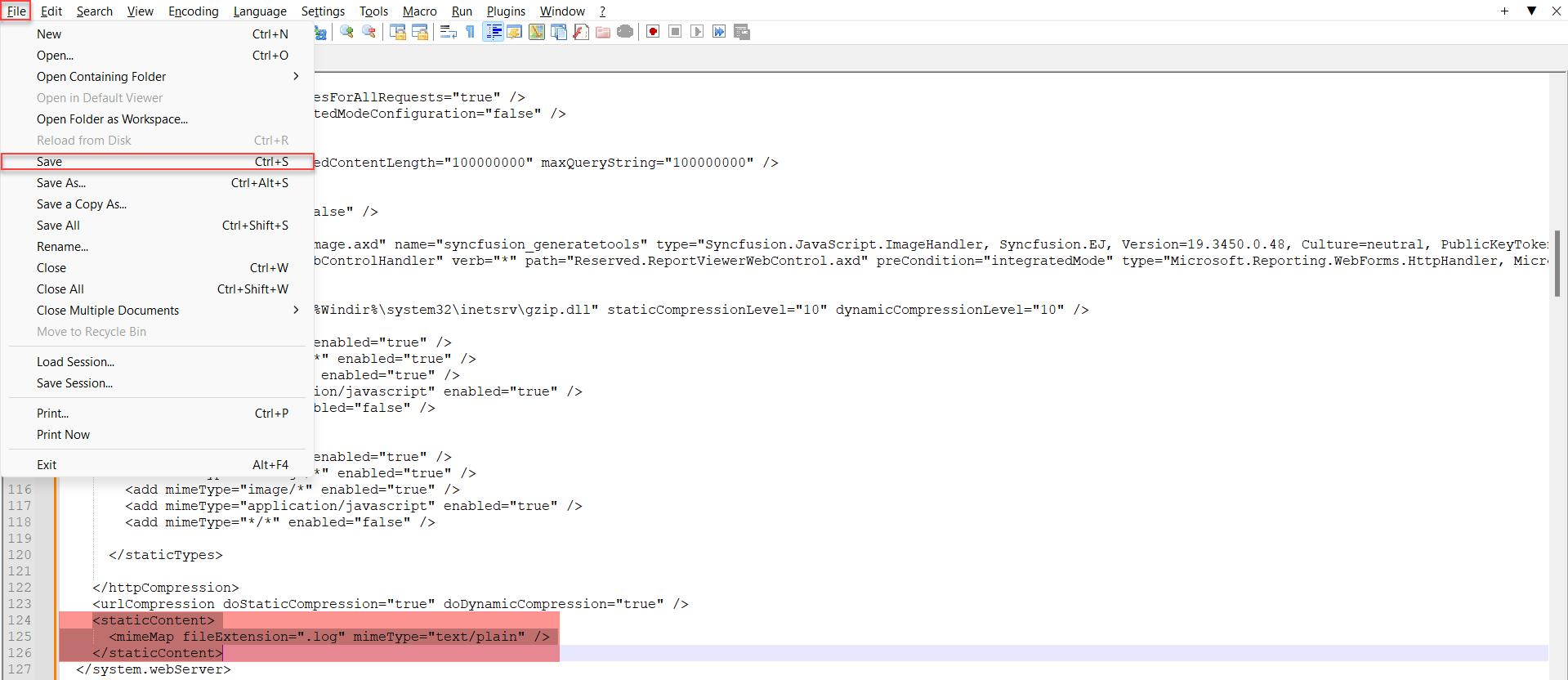
In the initial stages, the end user can only view and access the Frontend logs from the client web server only. In order to enable Frontend logs accessibility directly from the DataTrust application, it is recommended to add the required tag in the Web.config file where DataTrust application is installed within the client server space.
Steps involved:
- Open the Web.config file from the RightData (DataTrust) application server space.
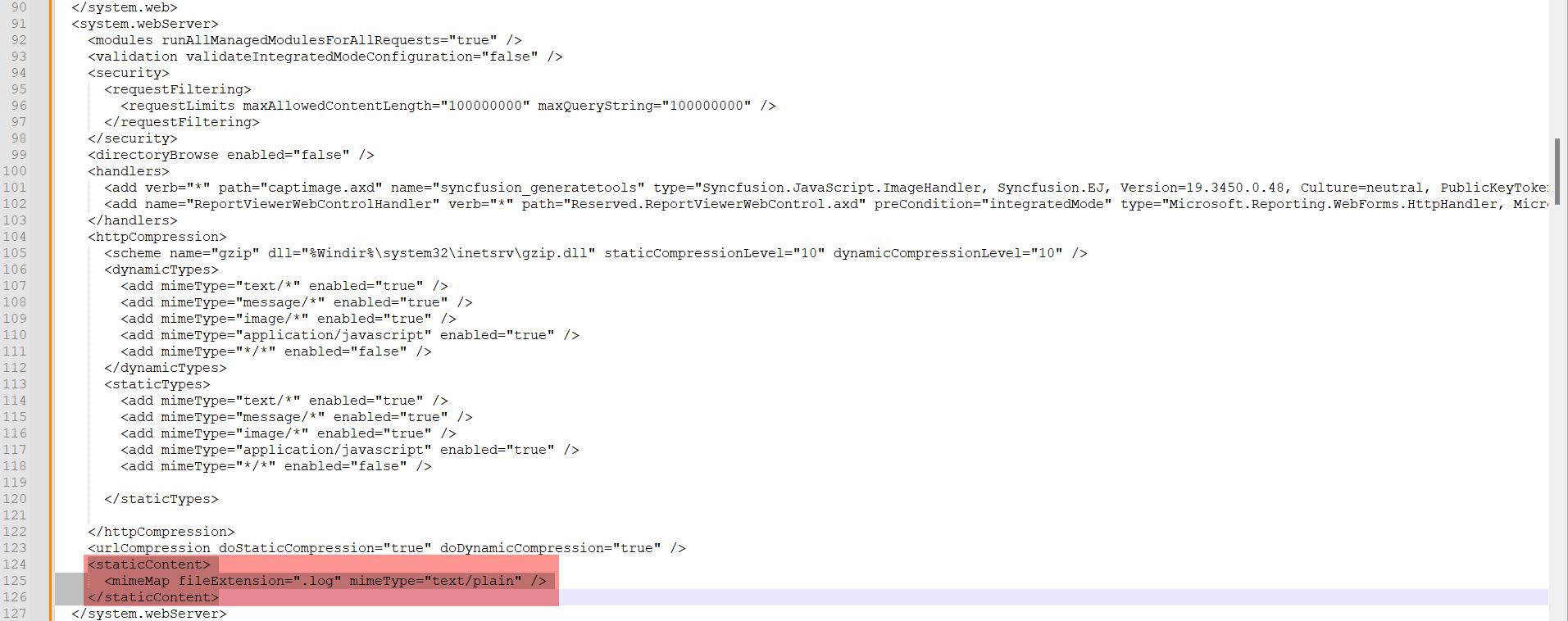
- Add the below tag inside the </system.webServer> and paste it as the last line.
<staticContent>

      <mimeMap fileExtension=".log" mimeType="text/plain" />

    </staticContent>
- Check the below screenshot for your reference.
- Now, save the Web.config notepad file as shown below to update the changes.